

Loading…
Loading…

StableProxy
© StableProxy – 2021 - 2026 – Ukraine

StableProxy
© StableProxy – 2021 - 2026 – Ukraine
StableProxy
© StableProxy – 2021 - 2026 – Ukraine
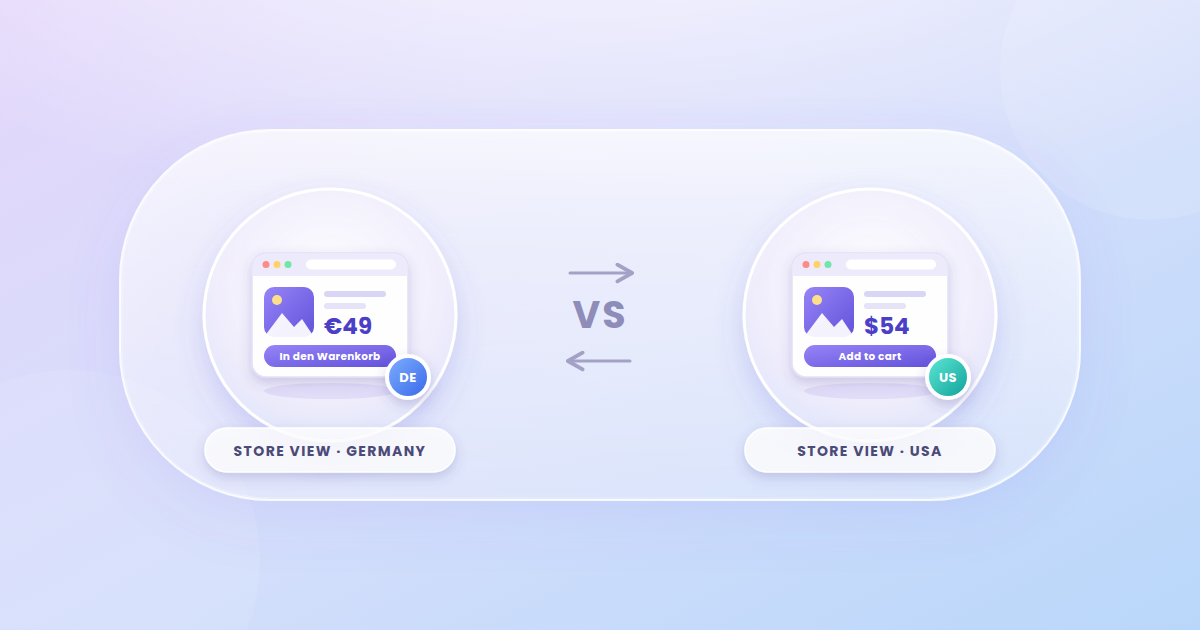
Learn how to test multi-region e-commerce sites, currencies, and localized content using residential and mobile proxies from StableProxy.

Proxychi
An online store can look completely different depending on the country a shopper visits from. One visitor sees prices in euros, another in dollars or hryvnias. The page language, available payment methods, delivery terms and even the product range can change as well. To check that all of these features work correctly, simply opening the site in your regular browser is not enough. You need to see it through the eyes of users in other regions. That is what proxies for localized e-commerce testing are used for.
Companies that sell in several markets need to make sure their site detects the visitor's location correctly. A configuration error can lead to very real problems: the customer sees the wrong currency, can't select their country, or gets incorrect delivery information.
With proxies, you can check:
This kind of check isn't only needed before launching in a new country. It is also worth running after a site update, a change of payment provider, the connection of a new delivery service, or any change to localization settings.
A proxy server acts as an intermediary between the user's device and the website. When a request goes through it, the online store receives the proxy's IP address instead of the visitor's real one.
If you choose a server in the right country, you can see what content the site shows to users from that region. For example, a store owner in Ukraine can connect through an IP address in Germany, Poland or the US and view the corresponding version of their site.
This is convenient when you need to check several markets without leaving your country or hiring testers in different regions.
At the same time, keep in mind that the IP address is not the only signal a website uses to determine a visitor's location. Browser settings, cookies, system language, time zone and data saved from previous sessions can also affect the result. That is why, for an accurate check, you should use a clean browser profile or separate test sessions.
The choice depends on what exactly you need to check and how long a single connection should last.
Residential proxies use IP addresses tied to home internet service providers. They are well suited for checking how the store works for ordinary visitors from a particular country. This is useful when testing regional prices, local offers and product availability.
Mobile proxies work through the IP addresses of mobile carriers. They can be used to check mobile traffic and how the site behaves when accessed through the networks of carriers in different countries. This option comes in handy if a significant share of your orders comes from smartphones.
Datacenter proxies are suitable for technical checks, automated testing and large volumes of requests. They provide a stable connection, which makes them convenient for repeatable scenarios where you need to verify how pages work or collect test results.
For tasks where it's important to keep the same IP address throughout an entire session, choose a static connection. If you need to check how the site behaves from different IPs, rotating proxies are the better fit.
To get useful results, it's best to decide in advance which functions you need to test.
For regular checks, the process can be automated with test scripts. If the service supports an API, proxies can be connected to software that sends requests and collects the results. StableProxy offers API integration, so you can use proxies in a variety of workflows.
When checking an international online store, it's important to be able to work with different locations and change connection parameters quickly.
StableProxy offers residential, mobile and datacenter proxies with a choice of countries. You can pick the IP type that fits your task, your way of working and the length of your testing.
Key advantages of the service:
This lets you set up either a one-off localization check or regular testing of your online store across several markets.
For an online store, localized testing is a way to find errors that can go unnoticed during ordinary browsing. StableProxy proxies help you check how your site works from different countries, compare regional versions, and verify that the store displays the right information to customers. This is especially useful for businesses that are growing international sales and want to avoid technical problems at checkout.
Want our new articles in your Google results? Add StableProxy as a preferred source.
Yes. All you need to do is connect through a proxy in the location you want. The website will receive an IP address from the selected region, which lets you check its regional version.
To view prices and offers that depend on the shopper's country, residential proxies are usually the choice. They let you see how the site is displayed from the IP address of a home internet provider
Not necessarily. You can check a site's responsiveness using your browser's device settings. But if you need to test how the site behaves from the IP addresses of mobile carriers, use mobile proxies.
Run the check before entering a new market, after major site updates, and after changes to payment or delivery settings. For large stores with international sales, it makes sense to include it in regular technical maintenance.
Yes. After a design change, a catalog restructure, new payment modules or changes to localization settings, it's worth checking the site from IP addresses in different countries. This will help you catch errors that may appear only in specific regional versions.
Yes, speed can vary depending on the proxy type, server load and distance to the server. If you need to check how fast the store loads for shoppers in a specific country, choose a proxy in the matching location with a stable connection. Keep in mind that, for accurate performance measurements, you also need to take other network parameters into account.
StableProxy
© StableProxy – 2021 - 2026 – Ukraine