

Loading…
Loading…

StableProxy
© StableProxy – 2021 - 2026 – Ukraine

StableProxy
© StableProxy – 2021 - 2026 – Ukraine
StableProxy
© StableProxy – 2021 - 2026 – Ukraine
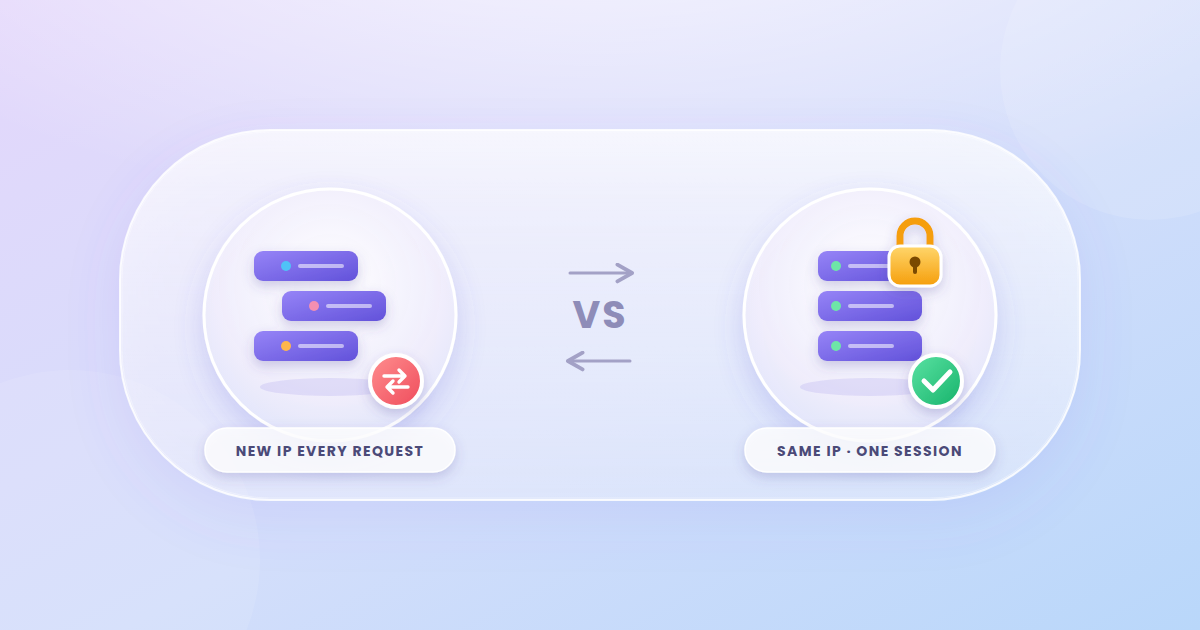
Learn what a Sticky Session proxy is, how it differs from IP rotation and static IPs, and when session IP retention is essential for your online tasks.

Proxychi
When you work with proxies, your IP address can stay the same for a set period or change with every request. It all depends on the connection mode. If your task requires a website to see a consistent series of actions coming from one address, you use a sticky session: a mode that keeps the same IP for the duration of a session.
For example, imagine a user who opens an online store, logs in to their account, adds an item to the cart, and proceeds to checkout. If the IP changes in the middle of that flow, the website may treat the following requests as a brand-new connection. As a result, the session can break, or the system may ask you to verify yourself again. A sticky session prevents this by routing all requests through a single IP address for a defined period of time.
When you connect to a proxy, the service assigns an IP address to your specific session. To keep that address, your requests must use the same identifier, known as a Session ID. As long as the session is active, the proxy sends your traffic through the same IP.
How long a session lasts depends on your settings and the provider's rules. Some services use a fixed duration, while others let you choose it yourself. Once the set period ends, the IP may change automatically. It can also change earlier if the device or node providing the residential or mobile IP goes offline.
It's important to understand that a sticky session does not lock an IP to you permanently. It is a temporary hold on an address, lasting for the period defined by your proxy provider.
With rotating proxies, the IP changes automatically. Depending on your settings, that can happen with every request or with every new connection. This approach works well when you need to send a large number of independent requests to websites.
Sticky sessions work differently: a series of consecutive requests goes through the same IP. The website sees a more consistent pattern of activity, like that of a single visitor.
| Mode | How it works | When to use it |
|---|---|---|
| Rotating IP | The address changes according to your settings | Data collection, checking many pages |
| Sticky session | One IP address is kept for a set period of time | Logins, shopping carts, forms |
| Static IP | The address stays assigned to your connection for a long time | Ongoing account management, IP allowlisting |
Don't confuse a sticky session with a static IP address. A sticky session holds an IP for a limited time within a single session, whereas a static proxy is built for long-term use of one address. If you need the same IP for weeks or months, consider static residential, ISP, static mobile, or dedicated datacenter proxies instead.
A sticky session is useful in situations where working with a website involves several connected steps.
First, work out how long a single scenario needs to run. For a quick page check, a short session is enough. For logging in, filling out a form, or completing a checkout, you need enough time to finish every step without the address changing prematurely.
Also consider the type of IP:
Before you buy, check whether your chosen plan supports sticky sessions, how the Session ID is set, how long a session lasts, and what happens if the IP becomes unavailable. These parameters vary depending on the proxy type and the provider's terms.
StableProxy offers several types of proxies: rotating and static residential, rotating and static mobile, and datacenter solutions. This lets you pick the right option for your specific scenario, from checking a website from a particular location to working with one address over a long period. Sticky session capabilities and session duration should be confirmed for your specific plan.
One of the most common mistakes is expecting the IP to stay the same under all circumstances. On residential and mobile networks, an address can become unavailable because a device goes offline or the network connection changes. For critical workflows, it's a good idea to check your IP at the start and again at the end of the scenario.
Another common issue is using different Session IDs for requests that should belong to the same session. In that case, the proxy may assign different addresses. On the other hand, for separate, independent tasks, it's better to create different IDs so that connections don't get mixed up.
It's also best not to choose the longest possible session without a good reason. The session length should match the time the task actually takes.
The right connection mode helps you avoid unnecessary interruptions and makes your work with websites more predictable. A sticky session is what you need when a consistent sequence of actions from one IP address matters. If each request is a separate task, or you need an address that stays the same for a long time, rotating or static proxies are the better choice, depending on your scenario.
Want our new articles in your Google results? Add StableProxy as a preferred source.
Not always. A sticky session keeps the address for the set period as long as the IP remains available and the provider's terms allow it. In the event of a technical failure, the address may change earlier.
Yes. Usually you do this by ending the current session or starting a new one with a different Session ID. The exact method depends on your proxy service's settings.
It depends on the task. If you need to collect data from pages that are linked within a single session, keeping the same IP makes sense. For a large number of independent requests, rotation is usually the more convenient option.
If the connection needs to stay the same for an extended time, consider a static proxy. Sticky sessions are better suited to temporary tasks that need to be completed within a single session.
Yes, but when that happens, the current session is effectively interrupted. This can occur if the proxy server becomes unavailable, the IP hold time runs out, or the user manually changes the settings. If a website ties activity to a single IP address, such a change can trigger a repeat login or the loss of some data.
It depends on the task. For short scenarios, such as logging in, filling out a form, or completing a checkout, keeping the same IP lets you get through every step without unnecessary interruptions. For long-running automation, you need to account for the session duration and proxy availability. If the job runs longer than the set period, plan for reconnecting.
StableProxy
© StableProxy – 2021 - 2026 – Ukraine